Scan the barcode
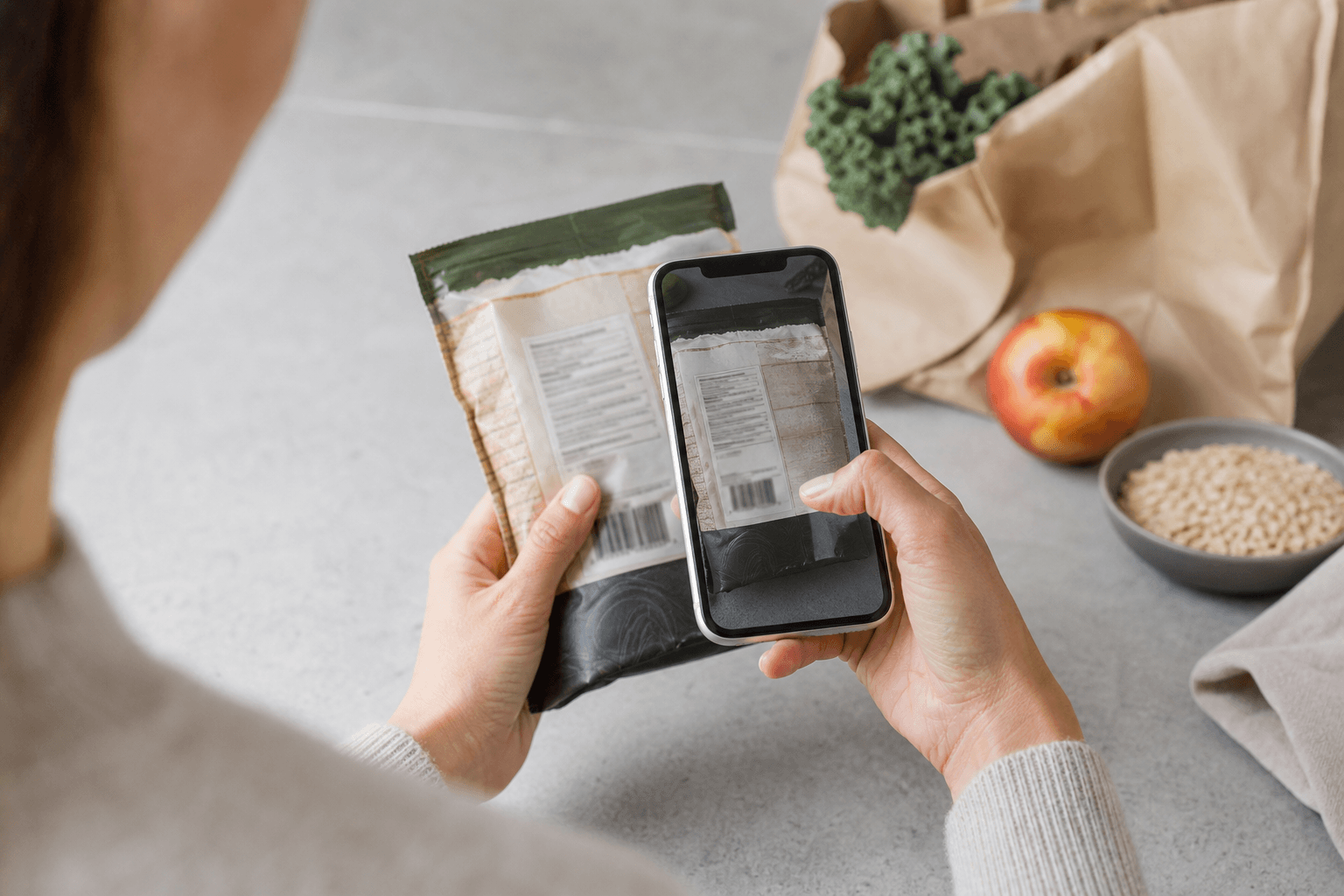
Look up a packaged product while it is still in your hand.
 Allergy ScanDownload
Made for real food routines
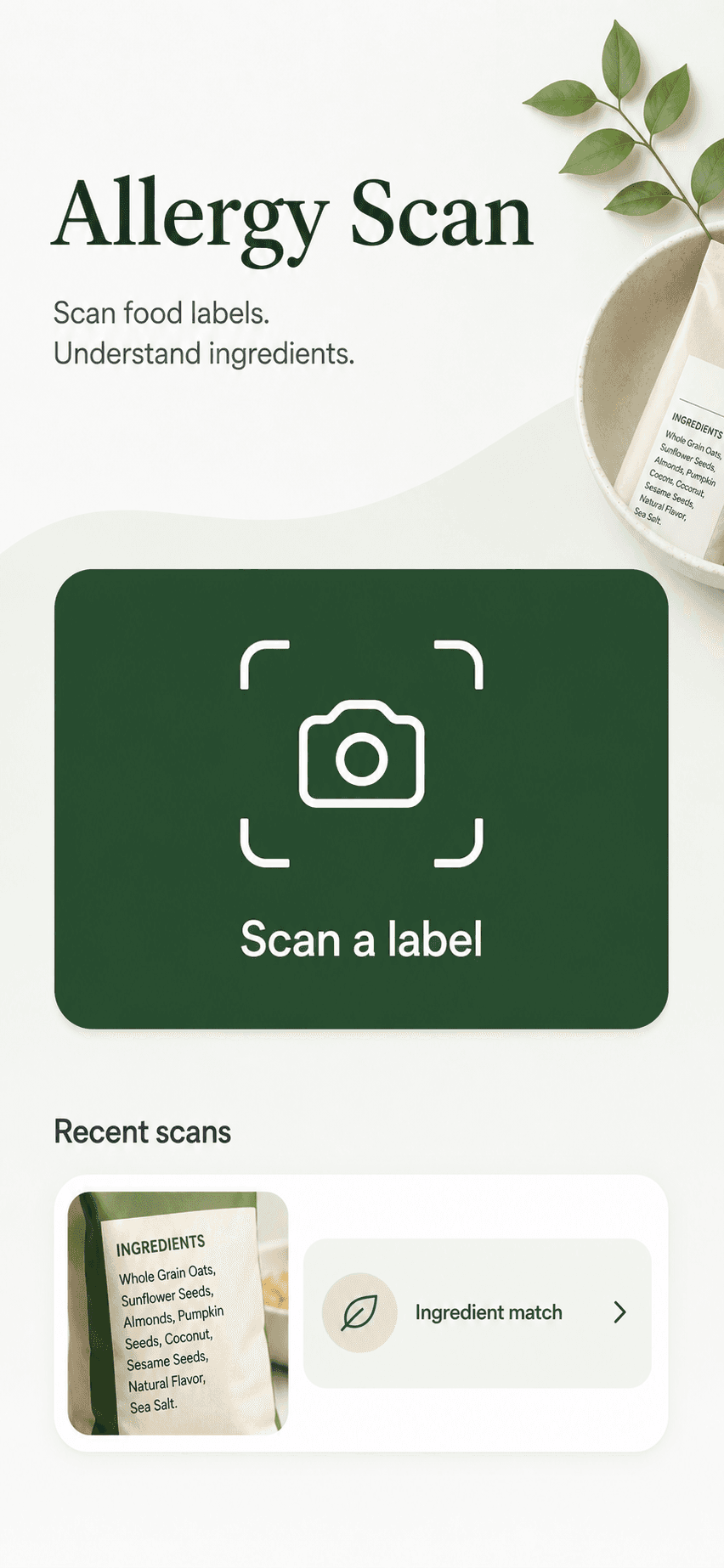
Scan barcodes and labels against every profile you manage, then see exactly why an ingredient matched.


Barcode lookup at the store
Label and food photo checks
Separate profiles for every need
Use the input that matches the moment, then keep the limits of that input in view.
Look up a packaged product while it is still in your hand.
Photograph the ingredient list when data is missing or outdated.
Ask the assistant about visible and possible ingredients in a prepared dish.
Go from a dense label to the exact ingredient, match, and profile that need your attention.
Scan the barcode or photograph the full ingredient label.
See how terms such as whey and casein connect back to milk.
Compare the evidence with the active profile and current package.

Create separate profiles for family members or shopping needs, then choose one before every scan.
Every result separates direct matches, precautionary language, and labels that still need your review.
Always verify the current package label before consumption.
This is an ingredient comparison, not a safety certification.
The dietary assistant explains detected ingredient names in plain language and keeps every answer grounded in your restriction profile.
No. Allergy Scan compares detected ingredients with the restrictions you selected. It does not certify food as safe or provide medical advice.
You can scan a product barcode or photograph an ingredient label. The dietary assistant can discuss a food photo, but the scanner does not identify every ingredient in a plated meal.
Profiles can include common allergens and personal restrictions such as milk, peanut, soy, sesame, gluten, lactose, garlic, and onion.
Yes. You can create a personal profile with multiple allergies and dietary restrictions, then compare detected ingredients with the full list in one scan.
No. A scanner can make a dense ingredient list easier to review, but it may miss text and product information can be incomplete. The current package label remains the primary source.
Recipes and packaging can change, and ingredient databases may be incomplete. Always verify the current package label before consumption.
Keep every restriction list close when you shop, cook, or try something new.